Image Converter
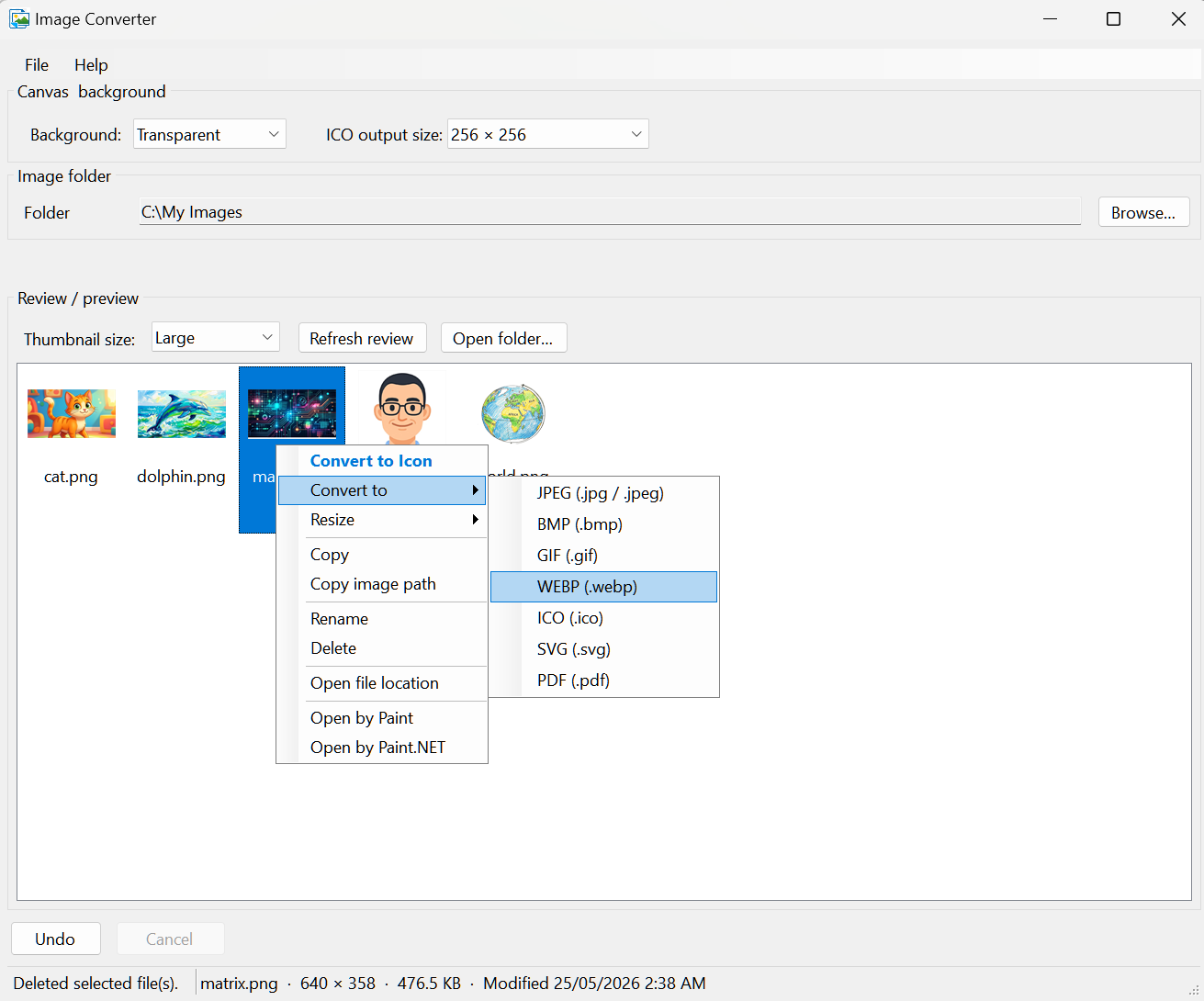
Batch-convert images in a folder among JPEG, PNG, BMP, GIF, WEBP, ICO, SVG, and PDF — with thumbnail preview, no separate export step.
Open a folder, select images, right-click Convert to; files save beside the originals (overwrite asks for confirmation).
Resize 0.5x–4x, build .ico files, paste from clipboard — offline on Windows for web assets, icons, and format cleanup.
JPEG · PNG · BMP · GIF · WEBP · ICO · SVG · PDF